TABLE OF CONTENTS
ADMIN PRIVILEGES REQUIRED
Applies to:
Overview
Stack Internal Community has an improved Slack integration with additional features. To use these features, you'll need to update your existing integration for Slack app with a new manifest from Stack Internal Community. Follow the steps below to update.
In Stack Internal Community
- As an admin, click Admin settings in the left-hand menu, then Slack.
- In the "Reconfiguring your Slack application" section at the bottom of the page, click the Click here to view instructions link.
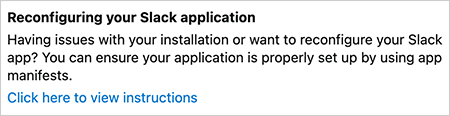
- In step 1 of the instructions, click the …clicking here… link to copy a new Slack bot manifest into your copy/paste buffer.
At slack.com
- Log into your account at https://api.slack.com.
- Click your Stack Internal Community Slack app to edit it.
- In the left-hand menu, click App Manifest.
- Click JSON at the top of the App Manifest page.
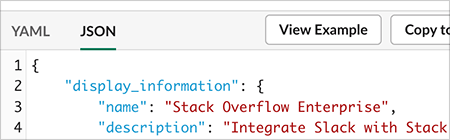
- Paste the new manifest into the JSON text box to overwrite the existing manifest.
- Click Save Changes. Your Slack app is now updated.
Slack app install messages
If you receive a message when updating your app, follow the instructions below.
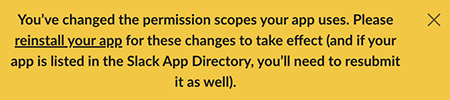
Message: "You’ve changed the permission scopes your app uses."
- Click reinstall your app in the message.
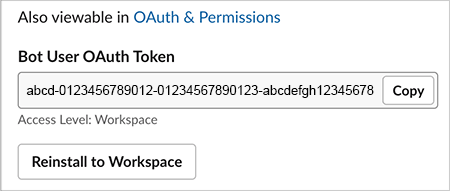
- Click Reinstall to Workspace on the following page.
- Click Allow on the following page to allow the integration for Slack app on your workspace.
Message: "Your URL isn’t verified."
- Click the Click here to verify link to verify the URL.

https://doc-automation.netlify.app/pdfs/docs/community/enterprise/for_admins/integrations/update_slack_manifest_2024-2.pdf