ADMIN PRIVILEGES REQUIRED
Applies to:
Stack Overflow may notify you that you need to upgrade your integration for Slack. Follow the directions below to upgrade to the latest version.
-
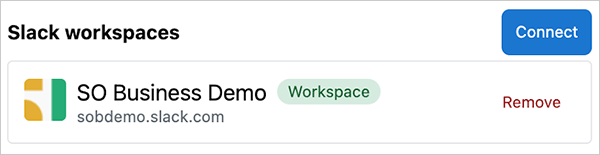
Go to Admin Settings, then Slack.
-
Click Connect.
-
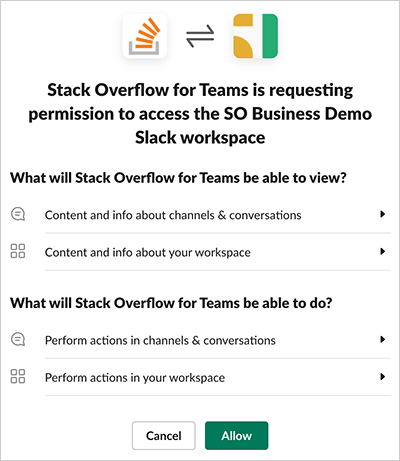
Be sure that you've selected your grid or workspace in the top-right corner of the screen.
-
Click Allow.
You'll need to repeat this process for each grid and workspace that's been independently set.
https://doc-automation.netlify.app/pdfs/docs/community/free_basic_business/for_admins/integrations/upgrade_your_slack_integration.pdf